◆ Google PMax Required Image Sizes
Performance Max campaigns need these three image sizes for full ad coverage:
| Size | Dimensions | Aspect Ratio | Used For |
|---|---|---|---|
| Landscape | 1200 × 628 | ~1.91:1 | Display, Discover, Gmail ads |
| Square | 1200 × 1200 | 1:1 | Display, Discover, social placements |
| Portrait | 960 × 1200 | 4:5 | Mobile Display, Discover feed |
◆ What You Need
ChatGPT with GPT-4o can resize images directly inside the chat — no Photoshop or extra tools needed.
- A ChatGPT Plus, Pro, or Team account (image generation included)
- The client image you want to resize (PNG, JPG, or WebP)
Open ChatGPT
Go to chatgpt.com or open the ChatGPT desktop/mobile app. Start a new chat and make sure the model selector shows GPT-4o — this is the model with built-in image generation and editing.
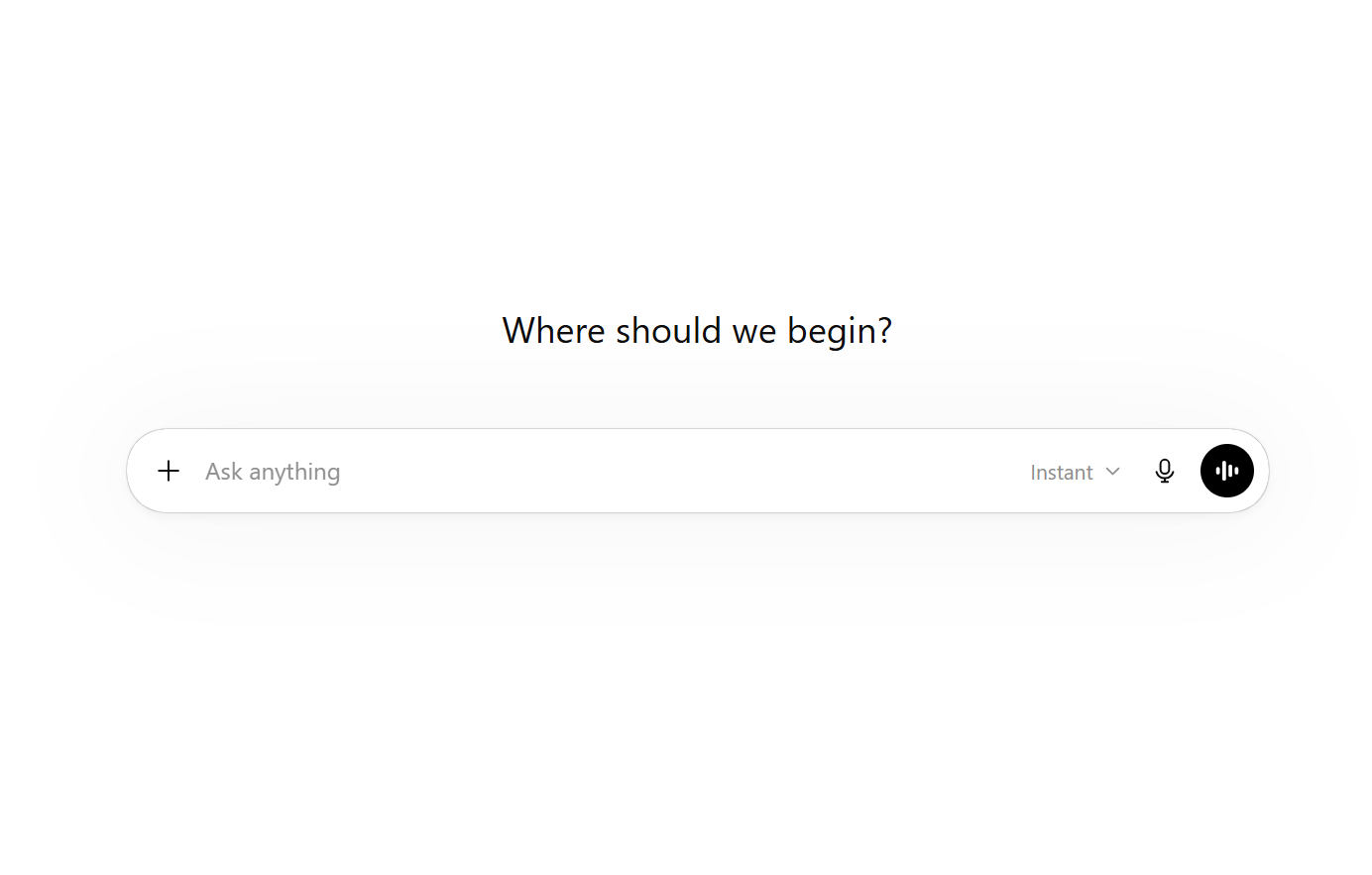
Upload Your Image
Click the paperclip icon (attachment button) in the message bar, then select your image file. You can also drag and drop the image directly into the chat.
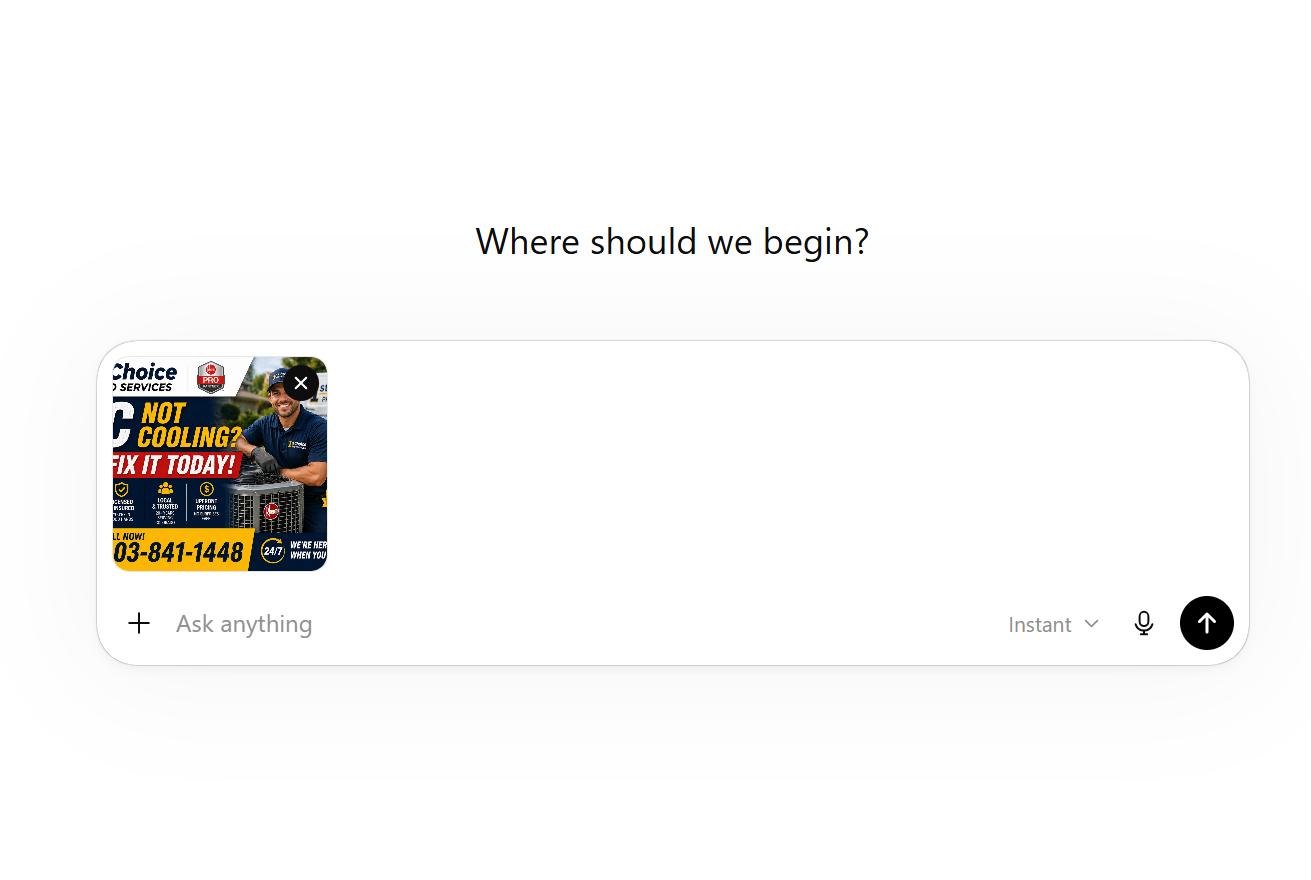
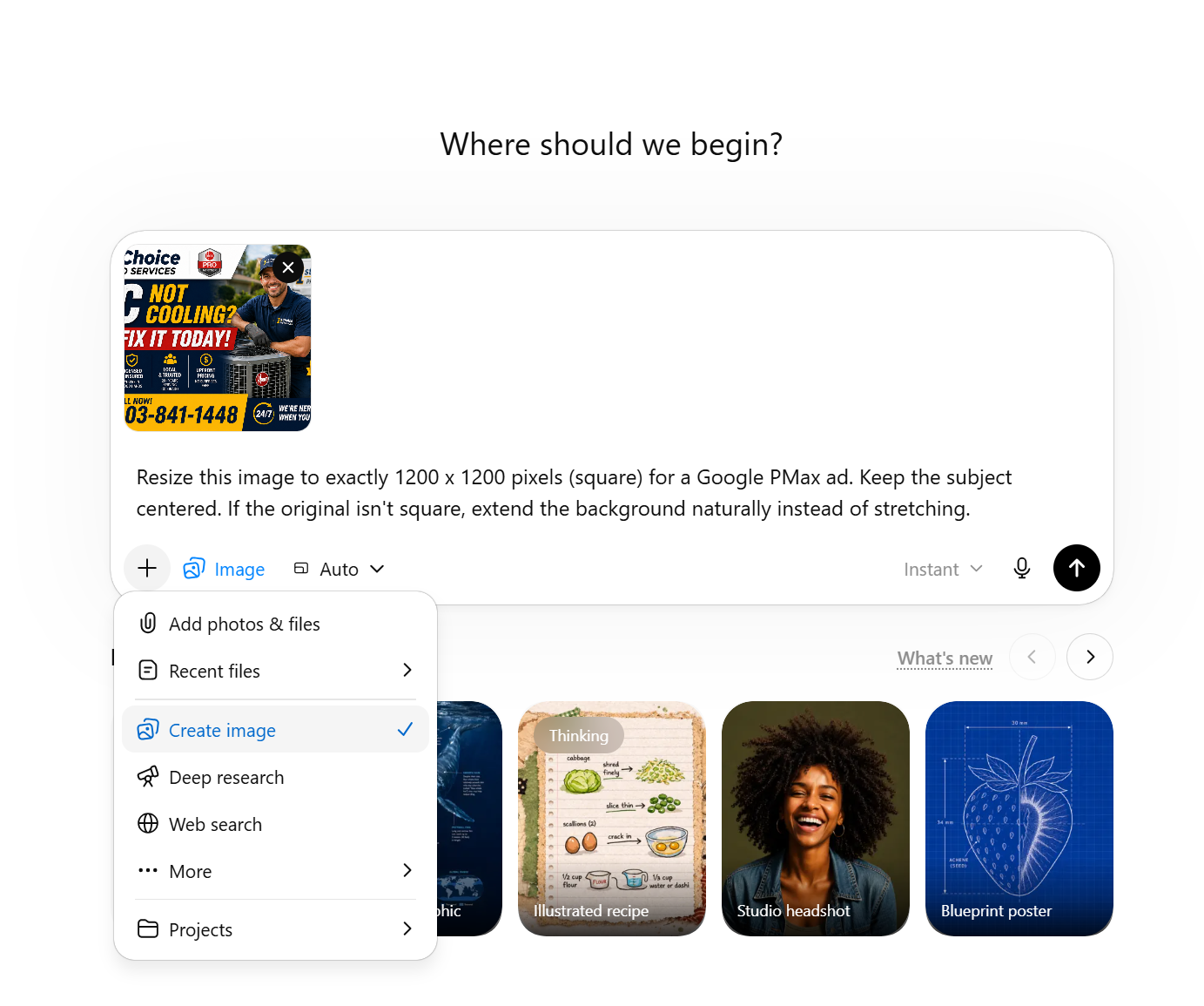
Write Your Resize Prompt
With the image attached, type a prompt telling ChatGPT the exact PMax sizes you need. Here are prompts you can copy and paste:
Send and Wait for the Result
Press Enter (or click the send arrow). ChatGPT will process your image and generate a resized version. This usually takes 10–30 seconds.
The resized image will appear directly in the chat as an inline image.
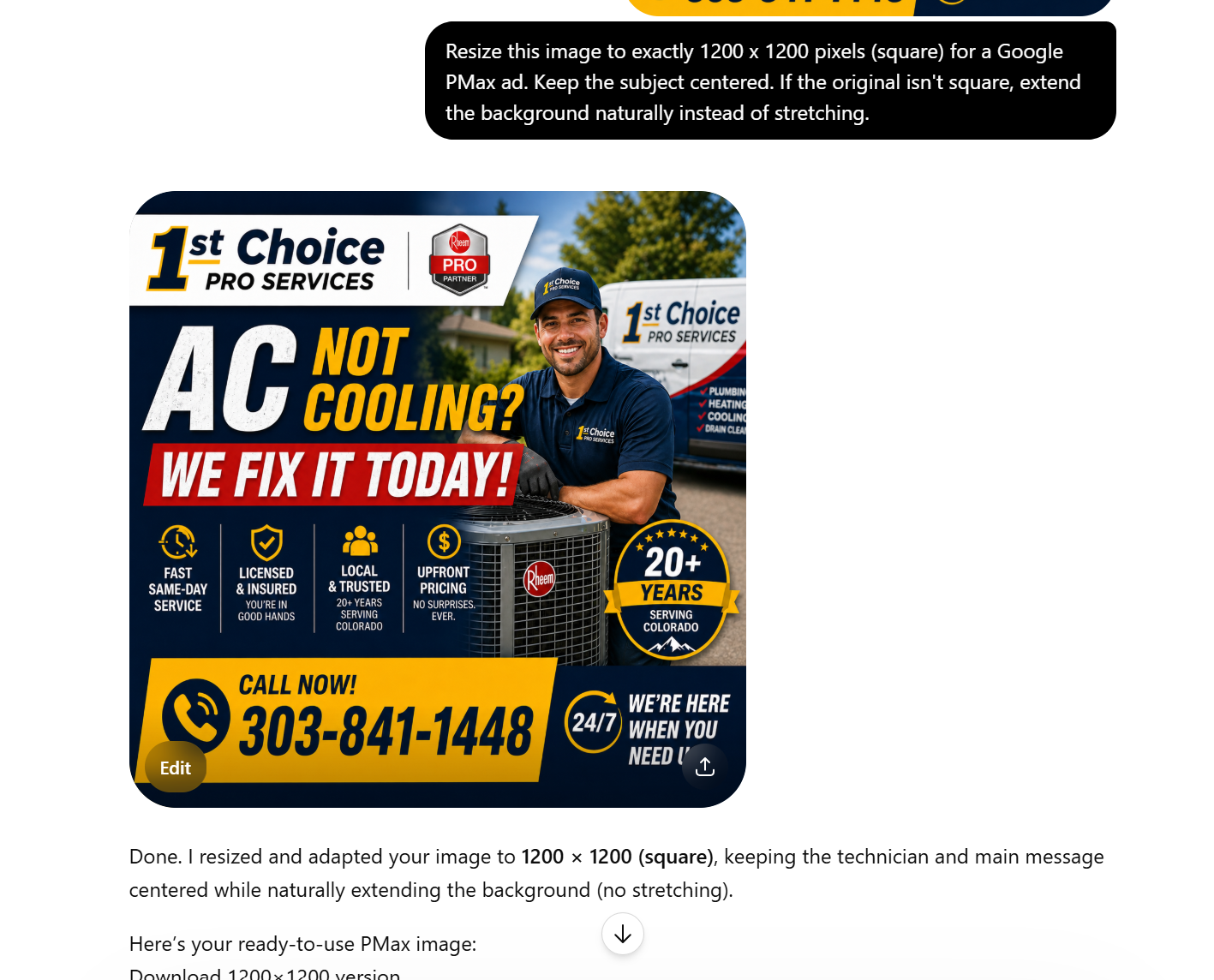
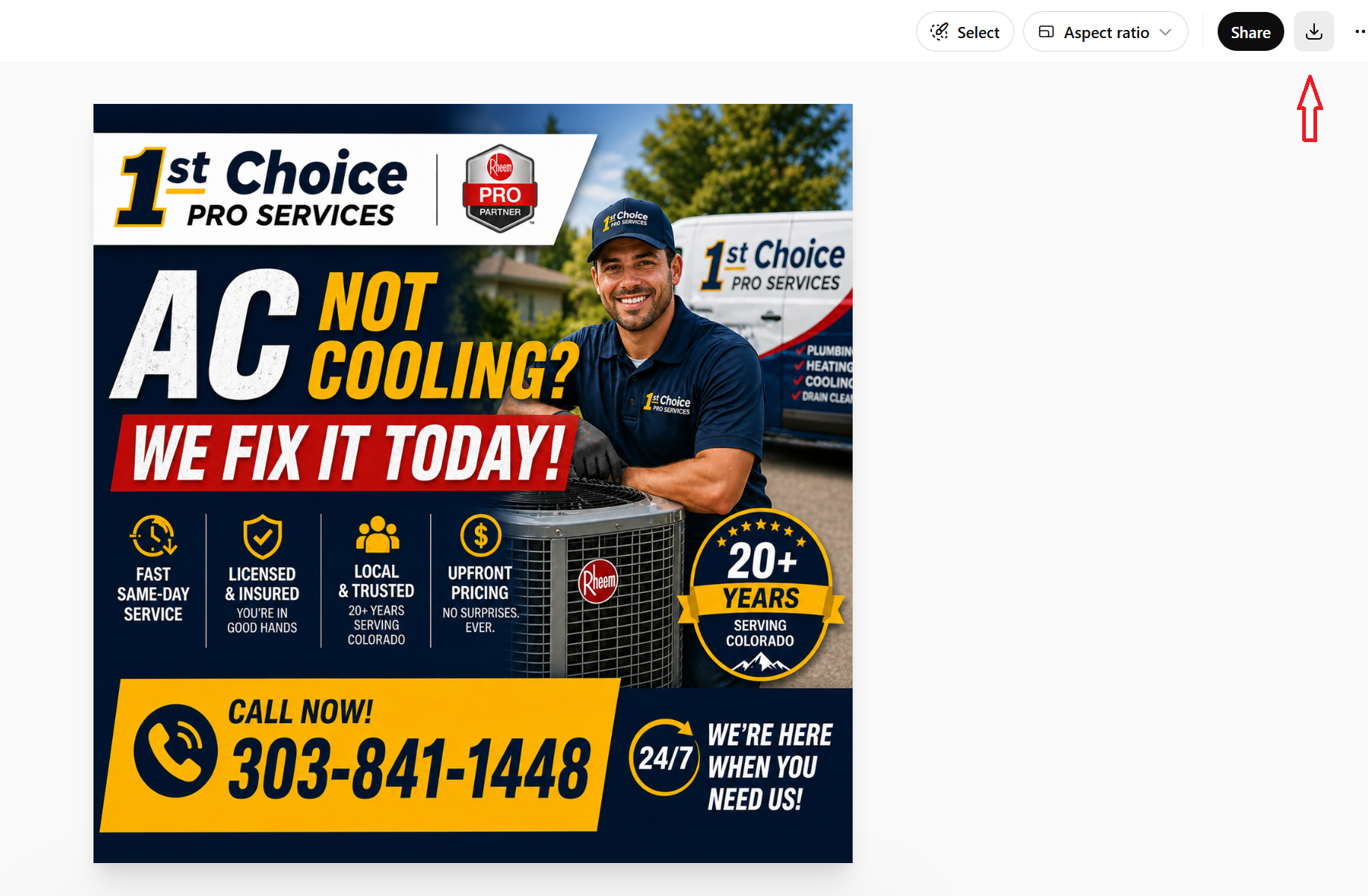
Download the Resized Image
Hover over the generated image and click the download button (down arrow icon) in the top-right corner. The image saves as a PNG file to your Downloads folder.
Verify & Adjust if Needed
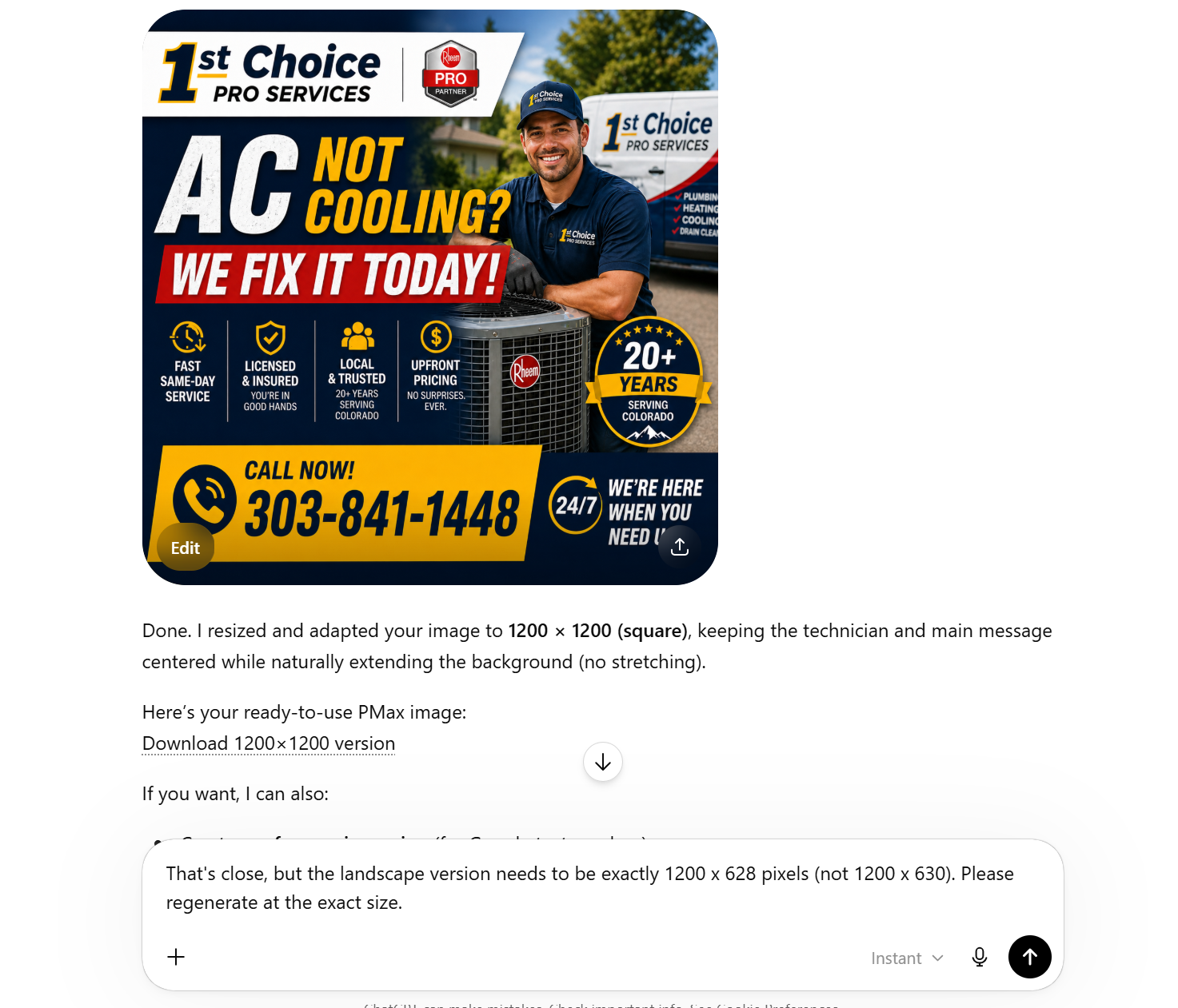
Check the output dimensions by right-clicking the downloaded file and viewing its properties. If the size isn't right, reply in the same chat:
ChatGPT keeps context from the conversation, so it will refine without needing to re-upload.
◆ Google PMax Image Specs — Quick Reference
All three sizes are required for full PMax ad coverage. Google recommends uploading at least one of each.
| Format | Dimensions | Ratio | Min Required | Max Upload |
|---|---|---|---|---|
| Landscape | 1200 × 628 | 1.91:1 | 1 image | 20 images |
| Square | 1200 × 1200 | 1:1 | 1 image | 20 images |
| Portrait | 960 × 1200 | 4:5 | 1 image | 20 images |
◆ Pro Tips for PMax Images
- Request all 3 sizes in one prompt — saves time and keeps the look consistent across formats.
- Say "extend the background" — when going from landscape to portrait (or vice versa), ChatGPT will fill in the edges naturally instead of stretching.
- Keep the subject centered — Google crops images differently on different placements, so center-weighted compositions work best.
- Avoid text on images — Google may reject PMax ads with too much text overlay. If the client image has text, ask ChatGPT to keep it minimal.
- Verify exact dimensions — right-click the downloaded file → Properties to confirm. Google is strict about 1200×628 (not 1200×630).
- Save as JPG under 5 MB — if the PNG is too large, ask ChatGPT: "Give me this as a JPG".
- Follow up in the same chat — ChatGPT remembers your image, so you can request additional sizes without re-uploading.